
 01
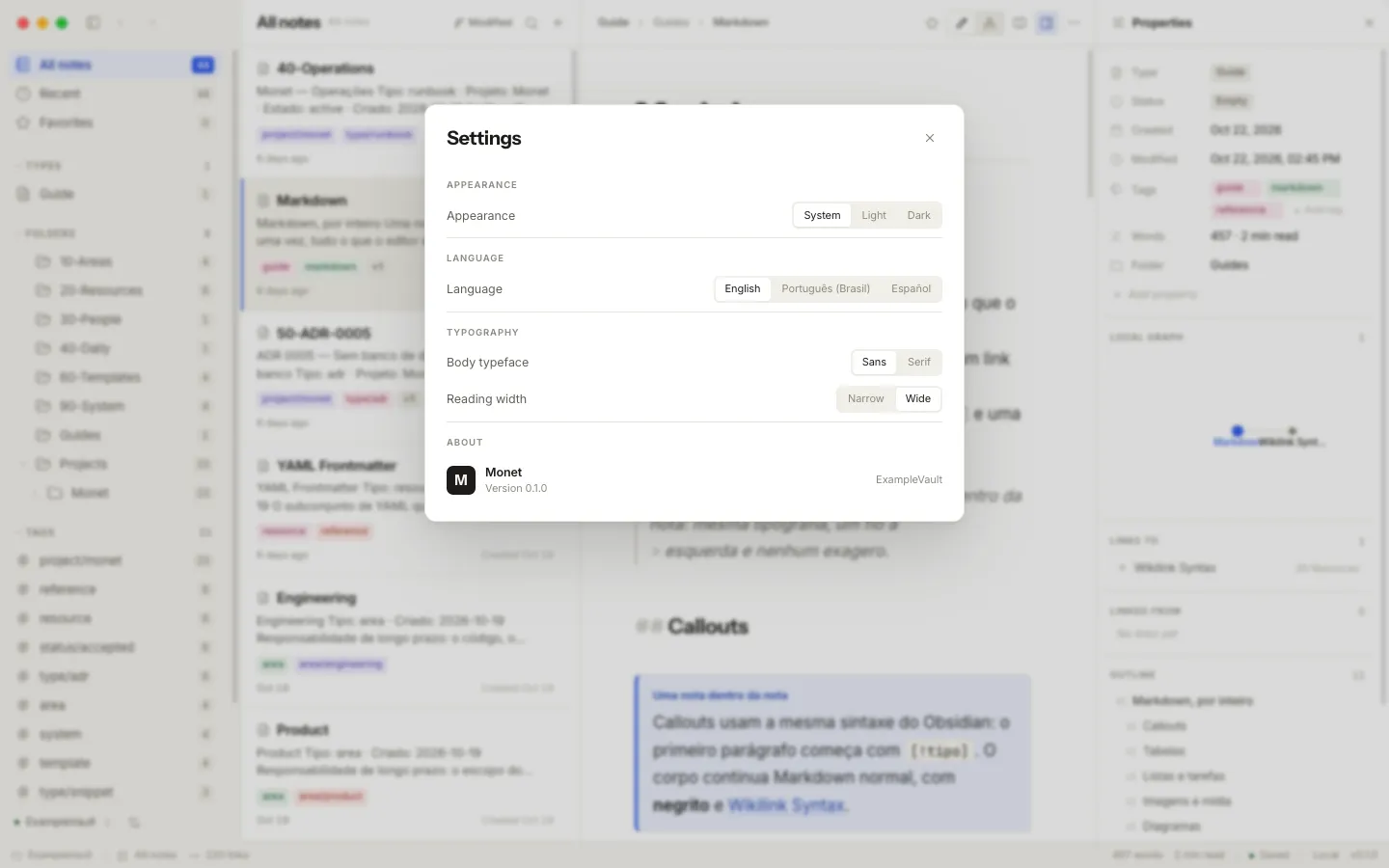
01 Choose your folder
Open a folder you own, or start a new vault.
A quiet, local-first Markdown vault. A rich desktop app for the person thinking, and a CLI and MCP server for the agents helping — one folder of plain Markdown files you own.
Free and open source · macOS, Windows and Linux01 · Your files
Plain Markdown. Obsidian-compatible links. A folder you can open in any editor — today and years from now.
02 · For your agents
monet search "release plan" --limit 3 CLI The desktop app, CLI and MCP server use the same engine and the same rules for your notes.
03 · Monet
A focused desktop app for you. A CLI and MCP server for the agents you invite.
Monet works locally with plain Markdown files. No account, no telemetry, no cloud dependency.
Your notes remain plain Markdown. The index is derived from the files, never a second source of truth.
01 Open a folder you own, or start a new vault.
02 Use the rich editor, wikilinks and graph to make sense of your notes.
Give agents the same local access through the CLI or MCP server.
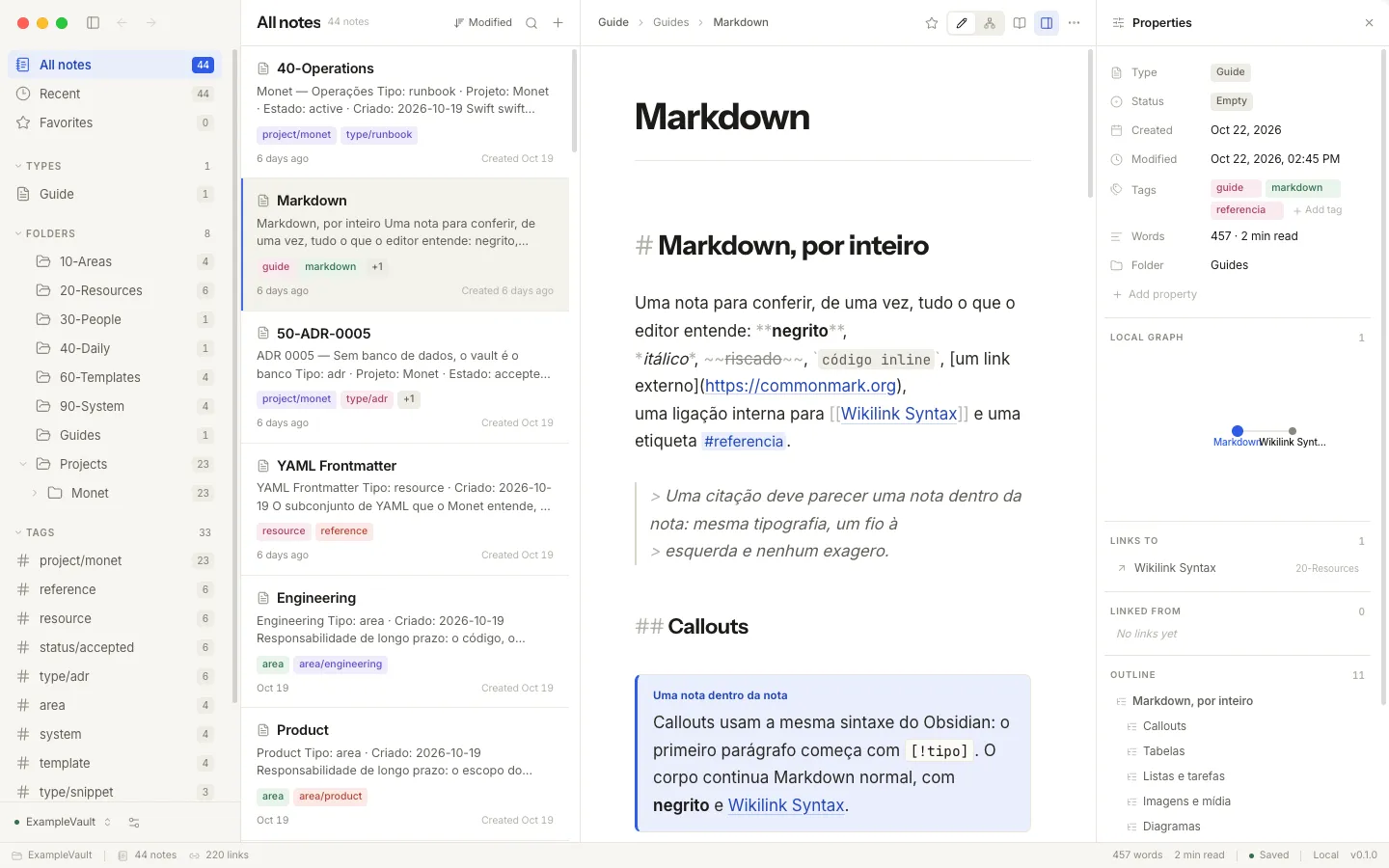
Three columns, a rich editor, and the whole vault as a living map. Everything renders where you write — tables, math, diagrams, media — and one key returns you to the plain Markdown underneath.
CodeMirror 6 with tables, KaTeX math, Mermaid diagrams and note embeds rendered in place. Click a block to edit its Markdown.
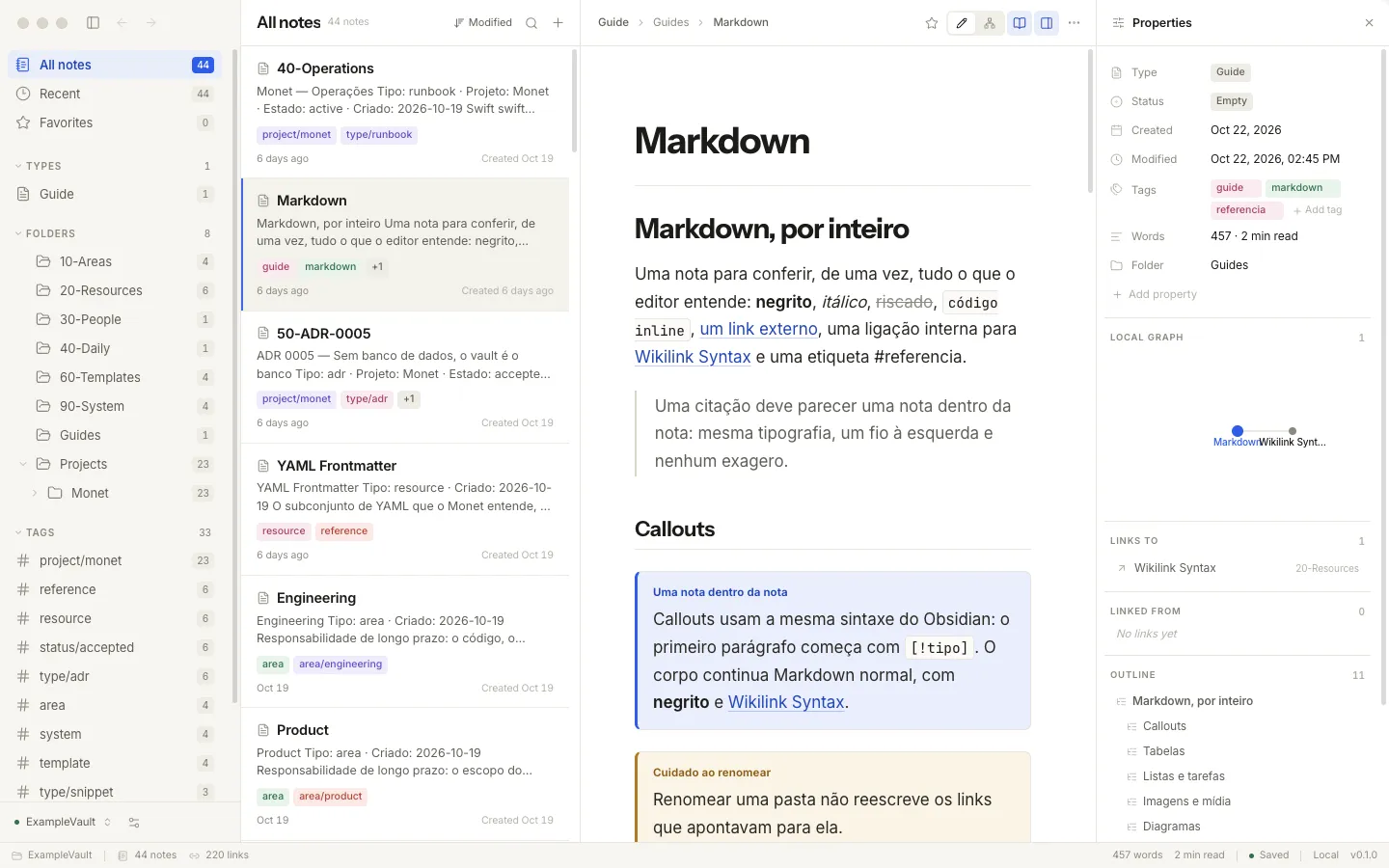
⌘E turns the note into a calm, typeset page — for review, or for a long read.
The vault as a deterministic force-directed map. Filter by tag, click a node to open the note.
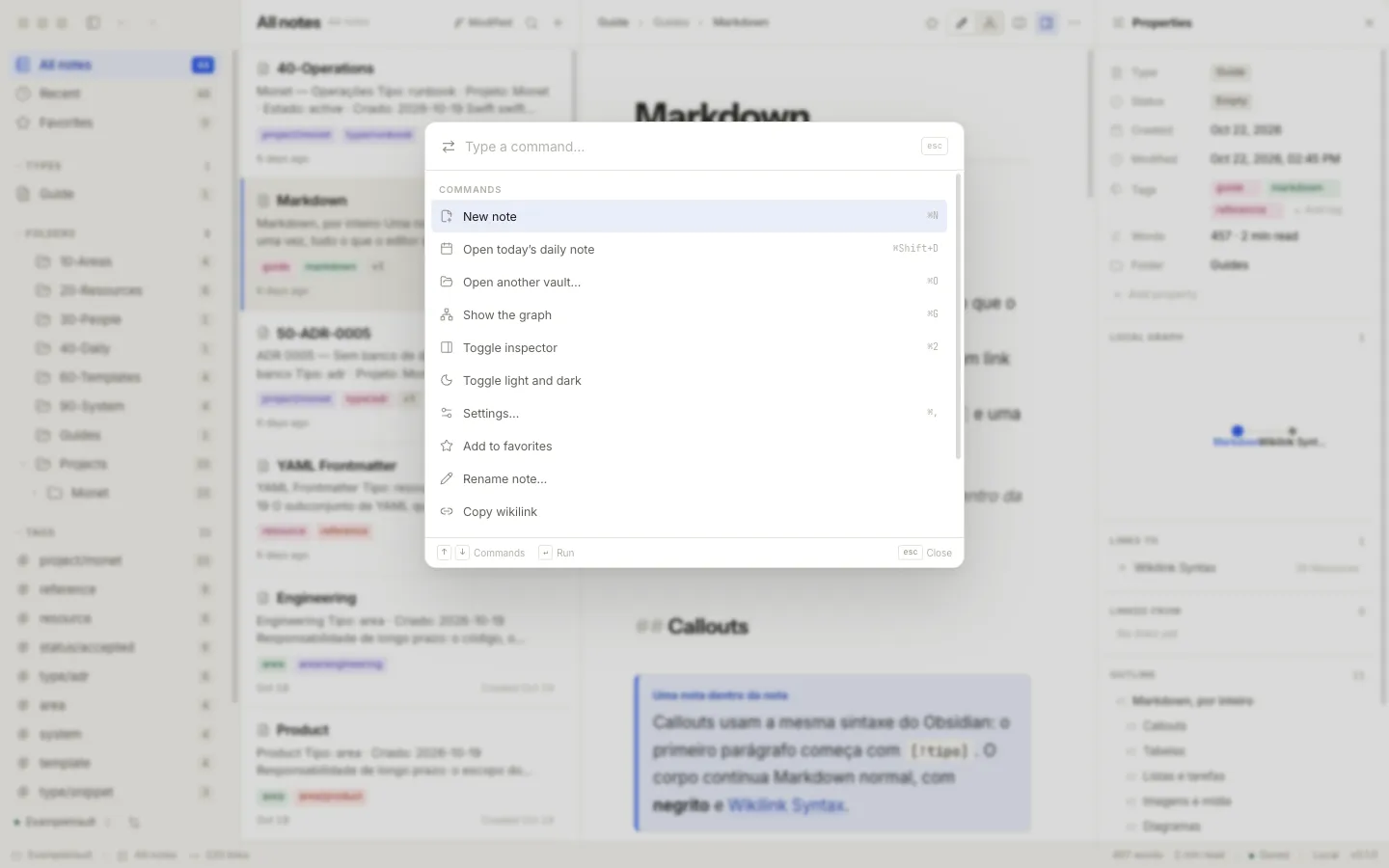
⌘K runs anything; ⌘P jumps to any note. Keyboard-first, without leaving the keyboard.
The index knows every connection, and every unresolved one.
The CLI and the MCP server are clients of the same engine the app uses. An agent sees exactly what you see — the same folder, the same index, the same rules about what may be written.
2 notes · Release Plan.md, Checklist.md
monet mcp add registers the vault with the MCP clients it finds — Claude Code, Cursor, Windsurf, Codex and friends.
search · note_show · note_new · backlinks · graph · link_create · vault_use
monet skills add installs skills generated from the command declarations themselves, so agent guidance always matches the tool. Nothing to author, nothing to keep in sync.
Agents and the app write only inside the vault, with symlink checks and revision conflict detection.
Write, explore connections, or read without distractions. Every view works from the same files.
CodeMirror 6 with tables, KaTeX math, Mermaid diagrams and note embeds rendered in place. Click a block to edit its Markdown.
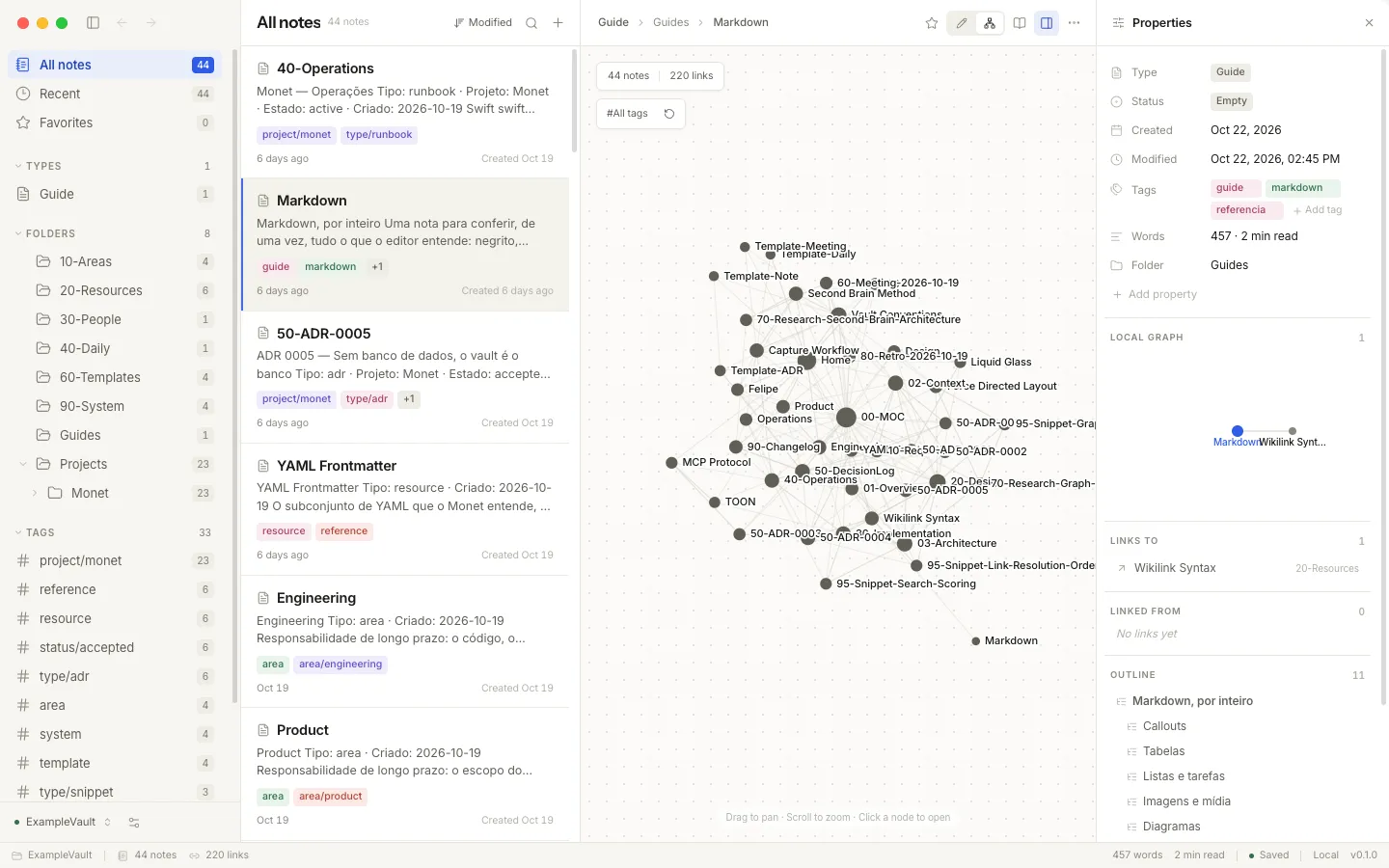
The vault as a deterministic force-directed map. Filter by tag, click a node to open the note.
⌘E turns the note into a calm, typeset page — for review, or for a long read.
Ask in your MCP client, or run a CLI command yourself. The agent works on the same notes you do.
Tables, task lists, footnotes, Mermaid diagrams, KaTeX math, callouts and note embeds render in place while you write.
YAML frontmatter, [[wikilinks]], ![[embeds]], #tags and aliases — files you can open anywhere.
toon (compact, for agents), json, yaml, md and jsonl — part of the public contract.
Nothing is written outside the vault; symlinks are checked before anything moves.
English, Brazilian Portuguese and Spanish across the app and the CLI.
monet backup writes a snapshot outside the vault. Git, Time Machine or any sync tool works too.
Local snapshotsNo account, no telemetry, no network calls in the search path. Your notes never leave the machine.
Works offlineOne brain for you and your agents.
Free and open source under the MIT license. Download the desktop app, or set up the CLI.
Download from the latest release, or use Homebrew:
brew install felipebarcelospro/tap/monet One line on macOS and Linux:
curl -fsSL https://github.com/felipebarcelospro/monet/releases/latest/download/install.sh | sh On Windows, or with Node ≥ 22 anywhere:
npm install -g @monet-ai/cli Then point it at your notes:
monet vault use ~/Documents/Vault monet note list The desktop builds are unsigned. On macOS, right-click and choose Open the first time — the docs explain, honestly.