Onebrainforyou andyouragents.
A quiet, local-first Markdown vault. A rich desktop app for the person thinking, and a CLI and MCP server for the agents helping — one folder of plain Markdown files you own.
Free and open source · macOS, Windows and Linux
01 Your files
Plain files, in a folder you own
Notes are ordinary Markdown files with YAML frontmatter. No database, no proprietary format, no lock-in. Open them in any editor today, and in twenty years.
- Obsidian-compatible — same link rules, same folders, same frontmatter.
- Wikilinks and embeds — [[Note]], ![[image.png]], #tags and aliases, resolved the Obsidian way.
- Derived index — backlinks and the graph are built from the files, never a second source of truth.
02 For you
A quiet place to think
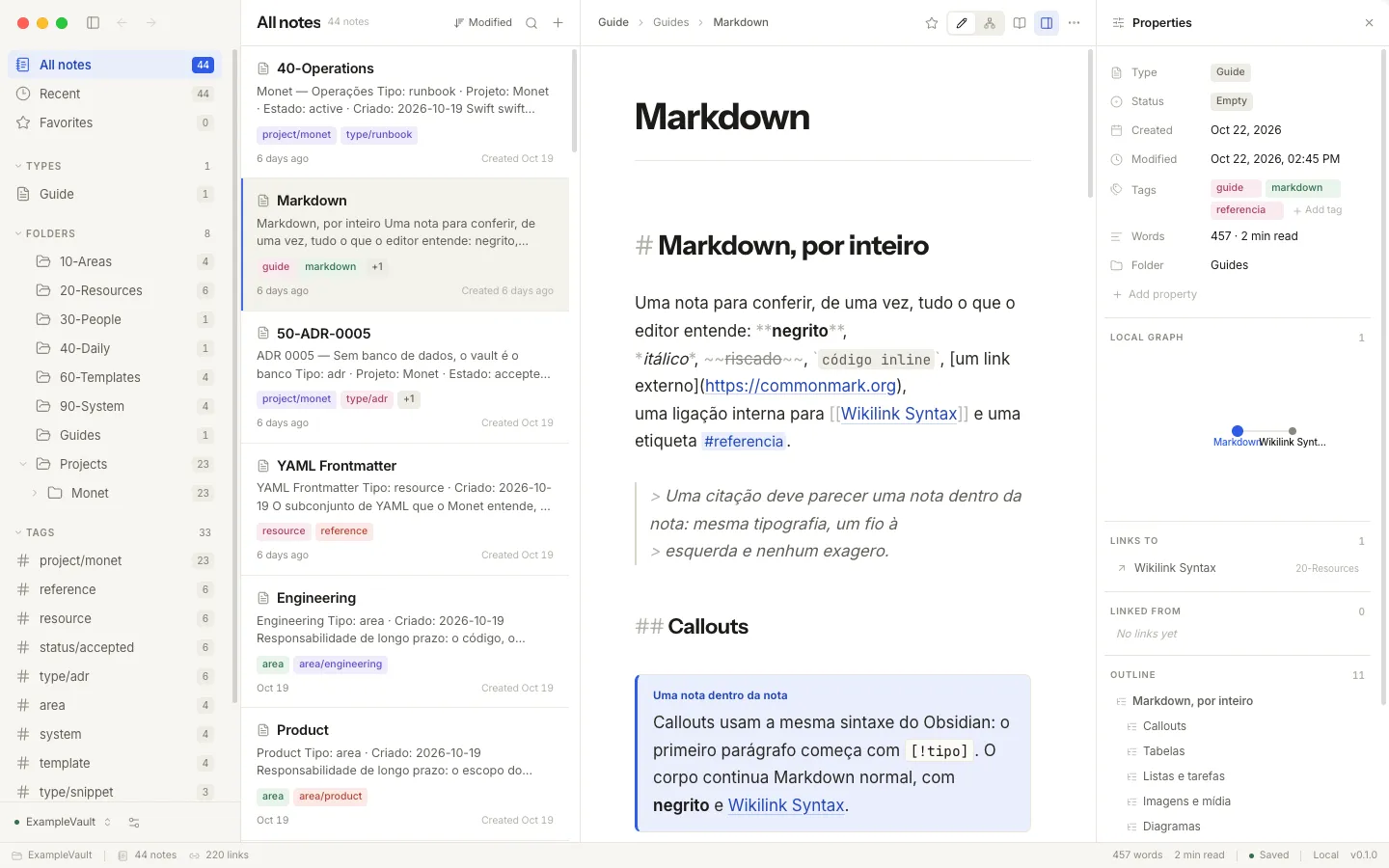
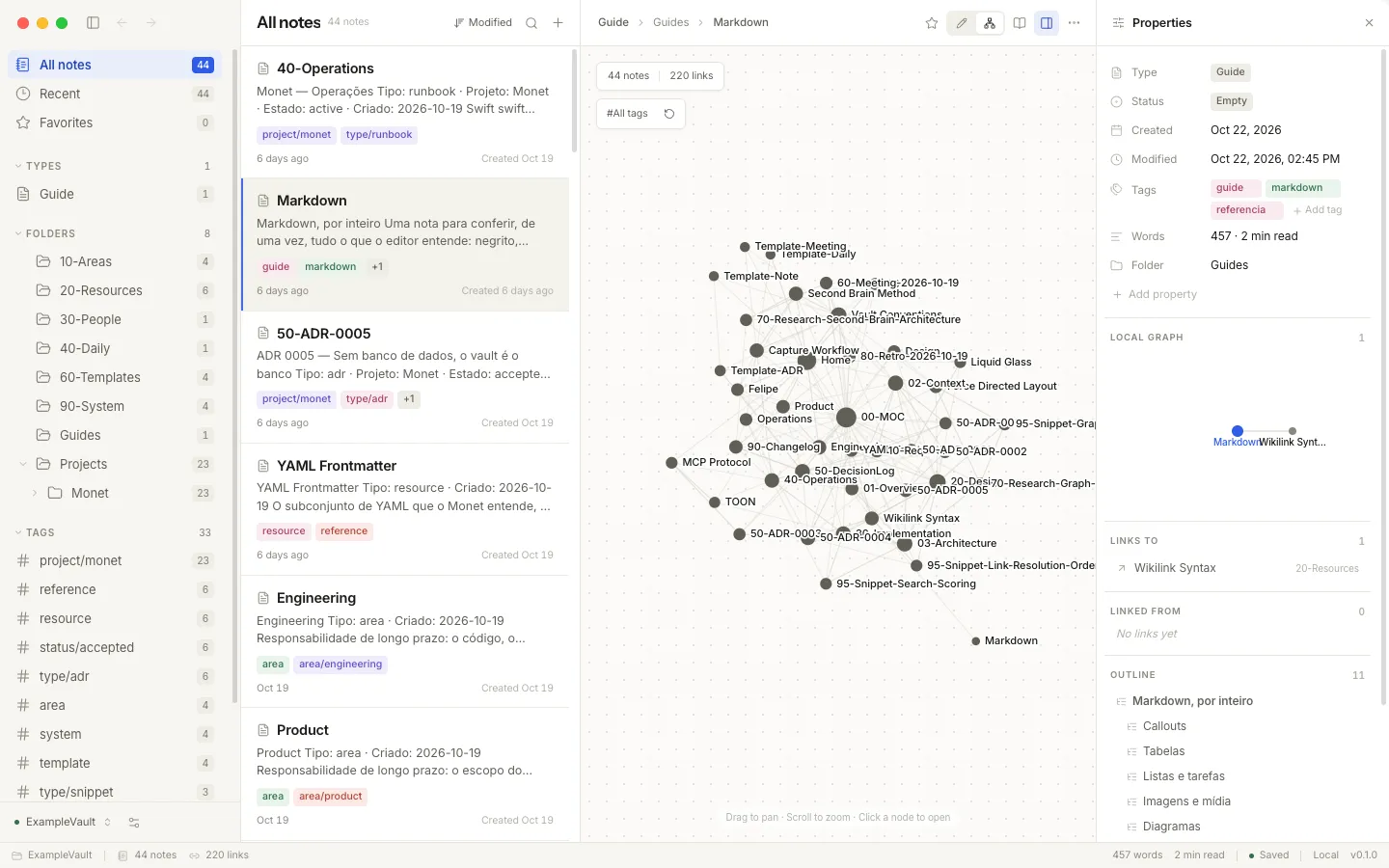
Three columns, a rich editor, and the whole vault as a living map. Everything renders where you write — tables, math, diagrams, media — and one key returns you to the plain Markdown underneath.
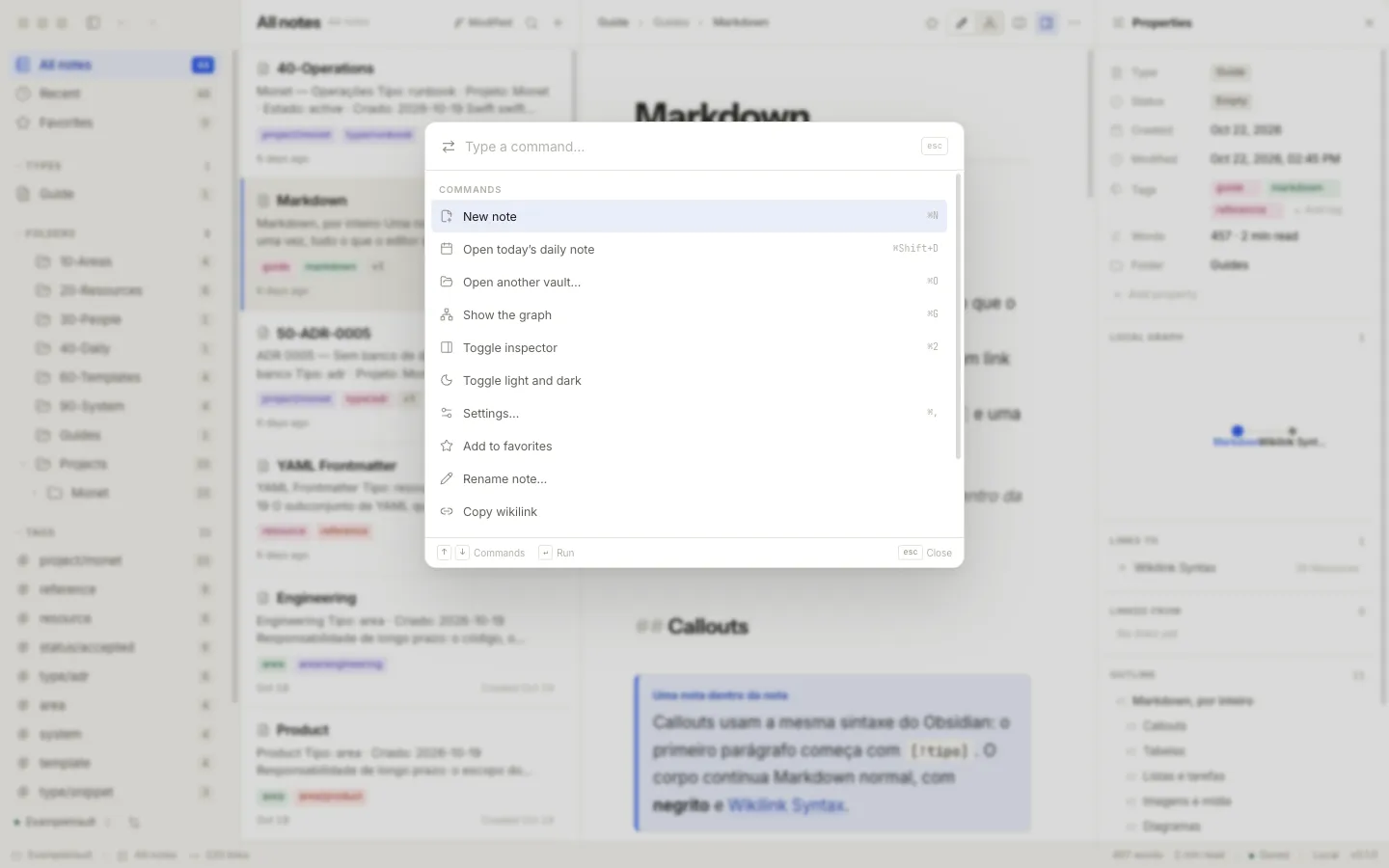
Command palette
⌘K runs anything; ⌘P jumps to any note. Keyboard-first, without leaving the keyboard.
Live editor
CodeMirror 6 with tables, KaTeX math, Mermaid diagrams and note embeds rendered in place. Click a block to edit its Markdown.
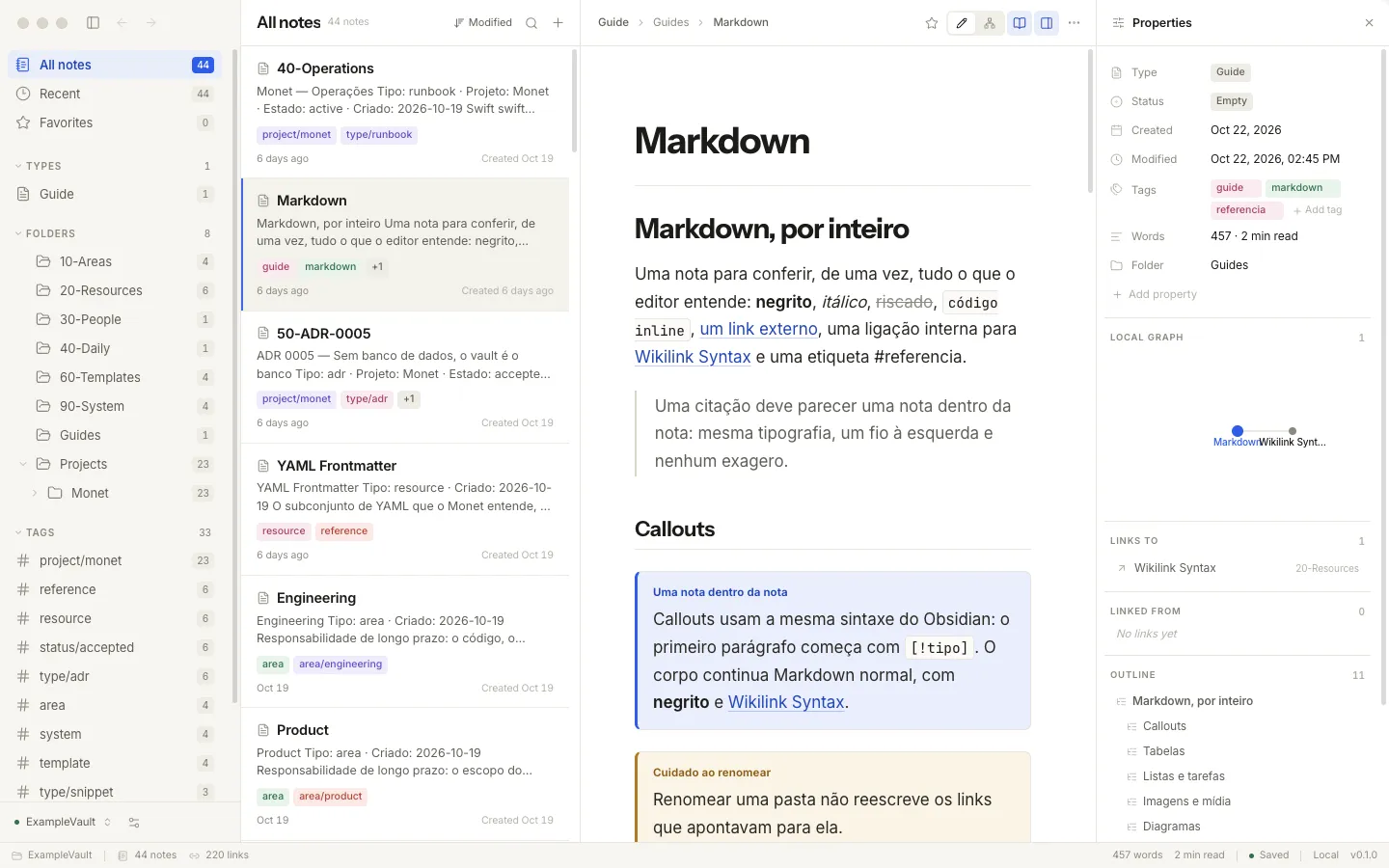
Reading view
⌘E turns the note into a calm, typeset page — for review, or for a long read.
The graph
The vault as a deterministic force-directed map. Filter by tag, click a node to open the note.
03 For your agents
Your agents work the same brain
The CLI and the MCP server are clients of the same engine the app uses. An agent sees exactly what you see — the same folder, the same index, the same rules about what may be written.
- search
- note_show
- note_new
- backlinks
- graph
- link_create
- vault_use
One registration, many clients
monet mcp add registers the vault with the MCP clients it finds — Claude Code, Cursor, Windsurf, Codex and friends.
monet skills add installs skills generated from the command declarations themselves, so agent guidance always matches the tool. Nothing to author, nothing to keep in sync.
$ monet --mcp 04 Trustworthy
Built to be trusted
Local snapshots
monet backup writes a snapshot outside the vault. Git, Time Machine or any sync tool works too.
Works offline
No account, no telemetry, no network calls in the search path. Your notes never leave the machine.
Confined writes
Agents and the app write only inside the vault, with symlink checks and revision conflict detection.
Honest by default
Free under the MIT license. Builds are unsigned, and the docs say so plainly.
06 Download
Start in a minute
Open a folder of Markdown files, or create a vault from scratch. The CLI and the app share one configuration, so choosing a vault once is enough.
Download for macOSThe desktop builds are unsigned. On macOS, right-click and choose Open the first time — the docs explain, honestly.
Download from the latest release, or use Homebrew:
brew install felipebarcelospro/tap/monet One line on macOS and Linux:
curl -fsSL https://github.com/felipebarcelospro/monet/releases/latest/download/install.sh | sh On Windows, or with Node ≥ 22 anywhere:
npm install -g @monet-ai/cli monet vault use ~/Documents/Vault monet note list